Ticket intelligence
A photo of the delivery ticket pulls the stop details and listed inventory into the verification flow.
PROOF AT THE POINT OF DELIVERY
VDS turns a ticket and a few pallet photos into a clear, store-ready delivery check. Give drivers a simple path from scan to decision, right on their phone.
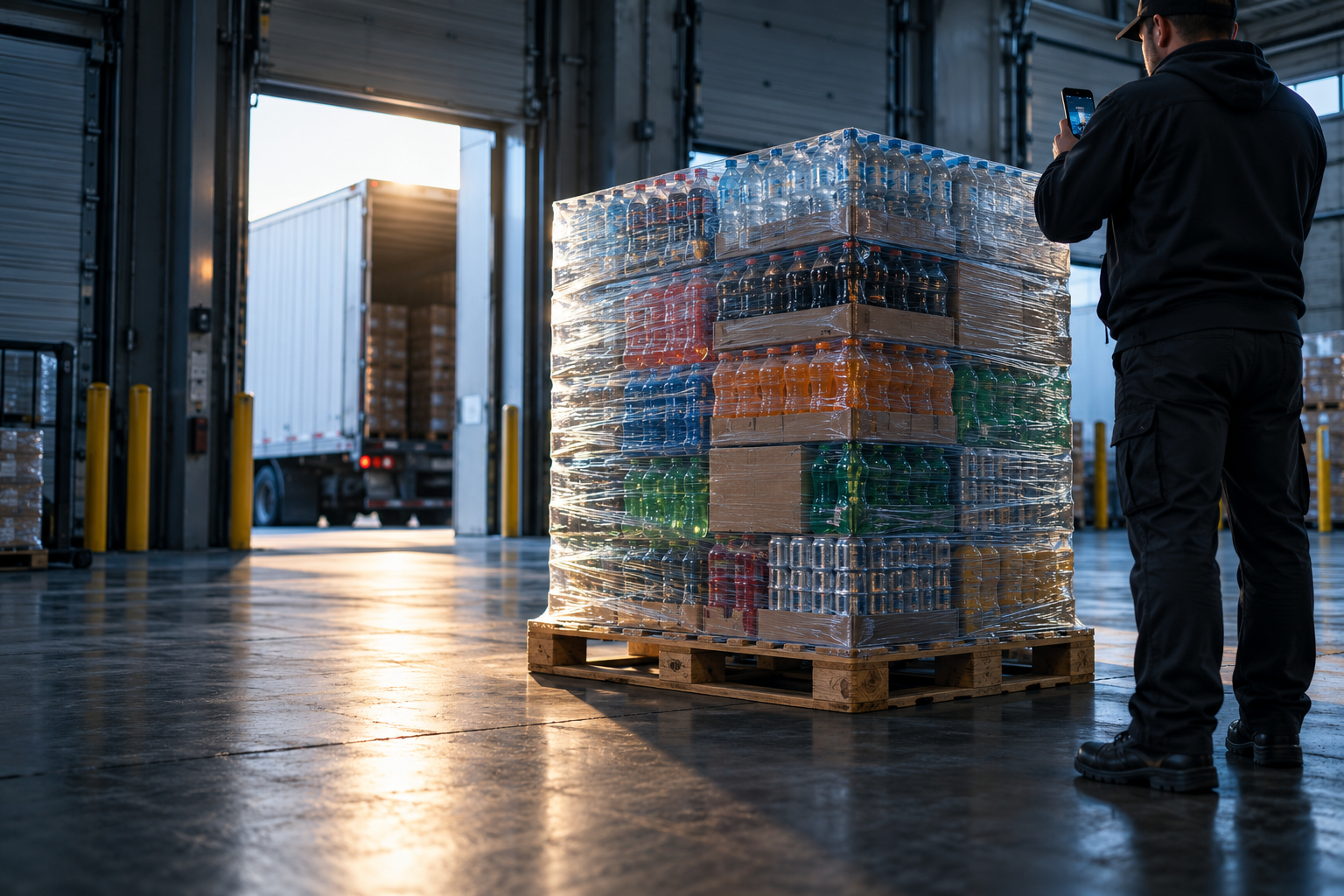
When a pallet reaches the store, the question is simple: does the visible load line up with the ticket? VDS gives the driver a way to show the answer while the delivery is still in front of them.
One guided flow follows the driver through the stop. Explore each step below.
The driver photographs the ticket. VDS reads the stop details and itemized inventory so the pallet can be checked against what was listed.
Illustrative example · actual results depend on captured evidence.04 Modelo Especial · 24 × 12 oz
02 Voodoo Ranger · 12 × 12 oz
02 Stella Artois · 24 × 11.2 oz
VDS focuses on evidence a driver can actually capture and a store can actually review.
A photo of the delivery ticket pulls the stop details and listed inventory into the verification flow.
A guided camera sequence captures front, right, back, and left so the visible load has context.
VDS compares products it can see with the ticket and identifies items that need a closer look.
Read the pallet label and scale evidence when they are visible. The driver can skip the weight check.
A green result marks a complete pass. A yellow result explains what needs review, with details on demand.
Preview and print a ticket with the delivery details, listed inventory, visible matches, and result.
Drivers get a straightforward result. If something is unclear or a check is skipped, the review details are there when needed, without crowding the main screen.
Open driver workflowVisible products align with the ticket and the checked weight is in range.
See which product or evidence needs a closer look.
The capture flow runs on a phone. For a paper store copy, the phone can print through its normal print menu to a compatible printer configured on that device.
No. VDS can use a visible label or scale photo when available. The driver can skip weight and continue, with the result marked for review because weight was not verified.
Yes. The store ticket can be previewed and printed at the end of the workflow. Saving the verification record is a separate optional action.
VDS compares products visible in the pallet images with the ticket inventory. Unclear or hidden products may require a human review.
Give every delivery a clear path from ticket to handoff.
Driver sign in